Search long reports
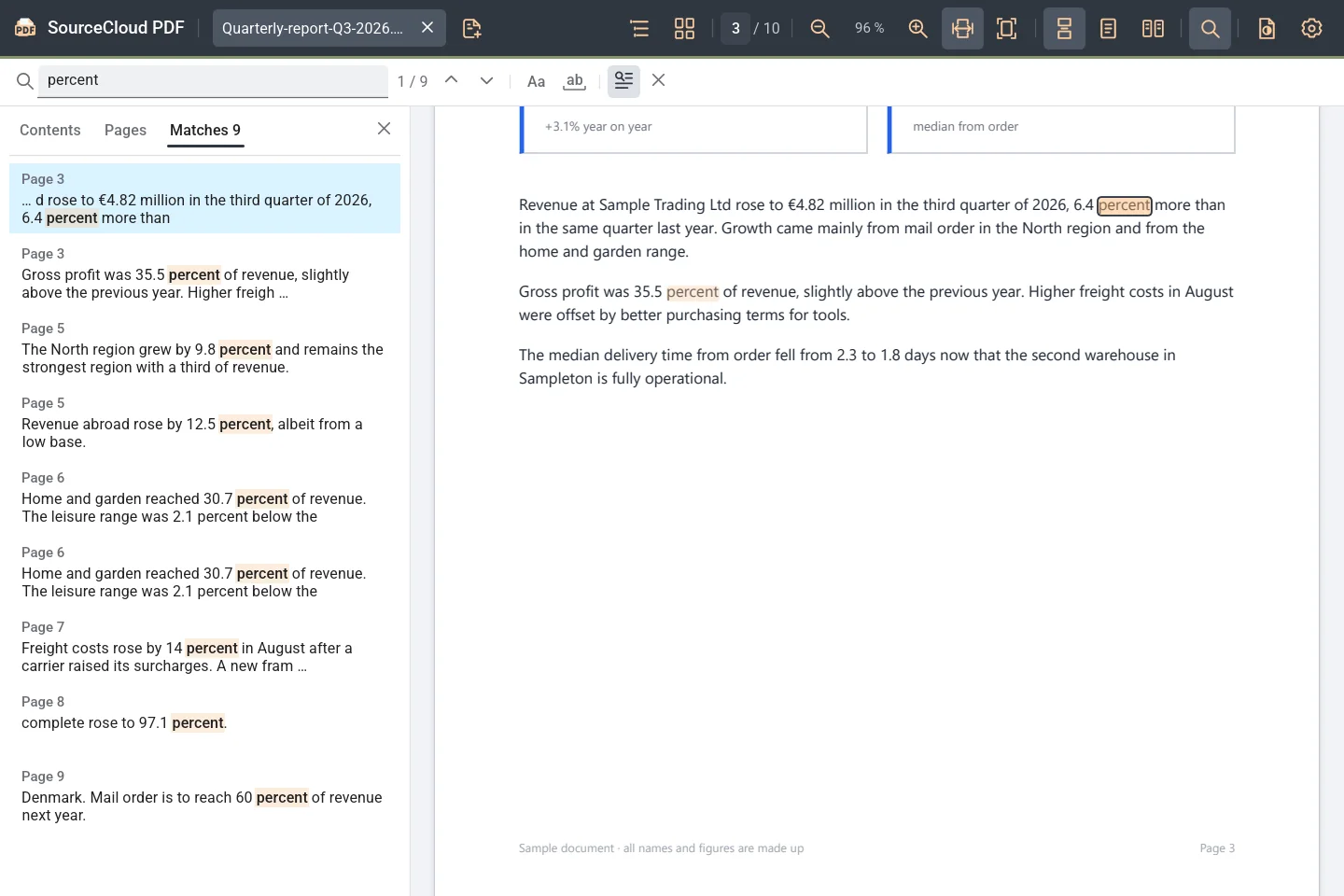
Search runs through the whole document and lists every match with a text excerpt. Press F3 to jump from match to match.
Learn more: Search long reports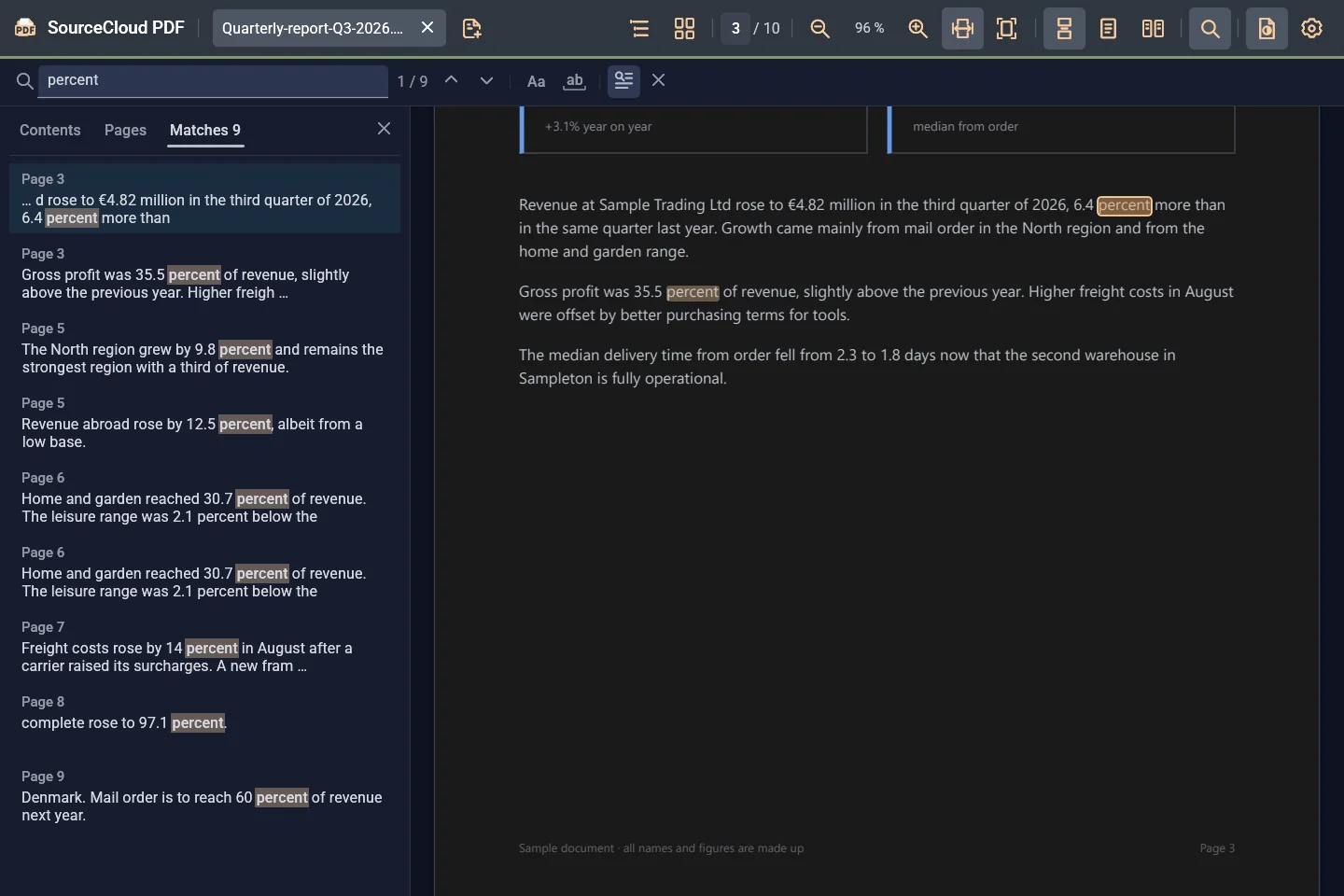
SourceCloud PDF is a free PDF viewer for Windows. It opens documents quickly, reloads files on its own when another program rewrites them, and shows the interface and the pages in light or dark independently.
Reading, searching and checking PDFs quickly – from long reports to files another program is rewriting right now.
Search runs through the whole document and lists every match with a text excerpt. Press F3 to jump from match to match.
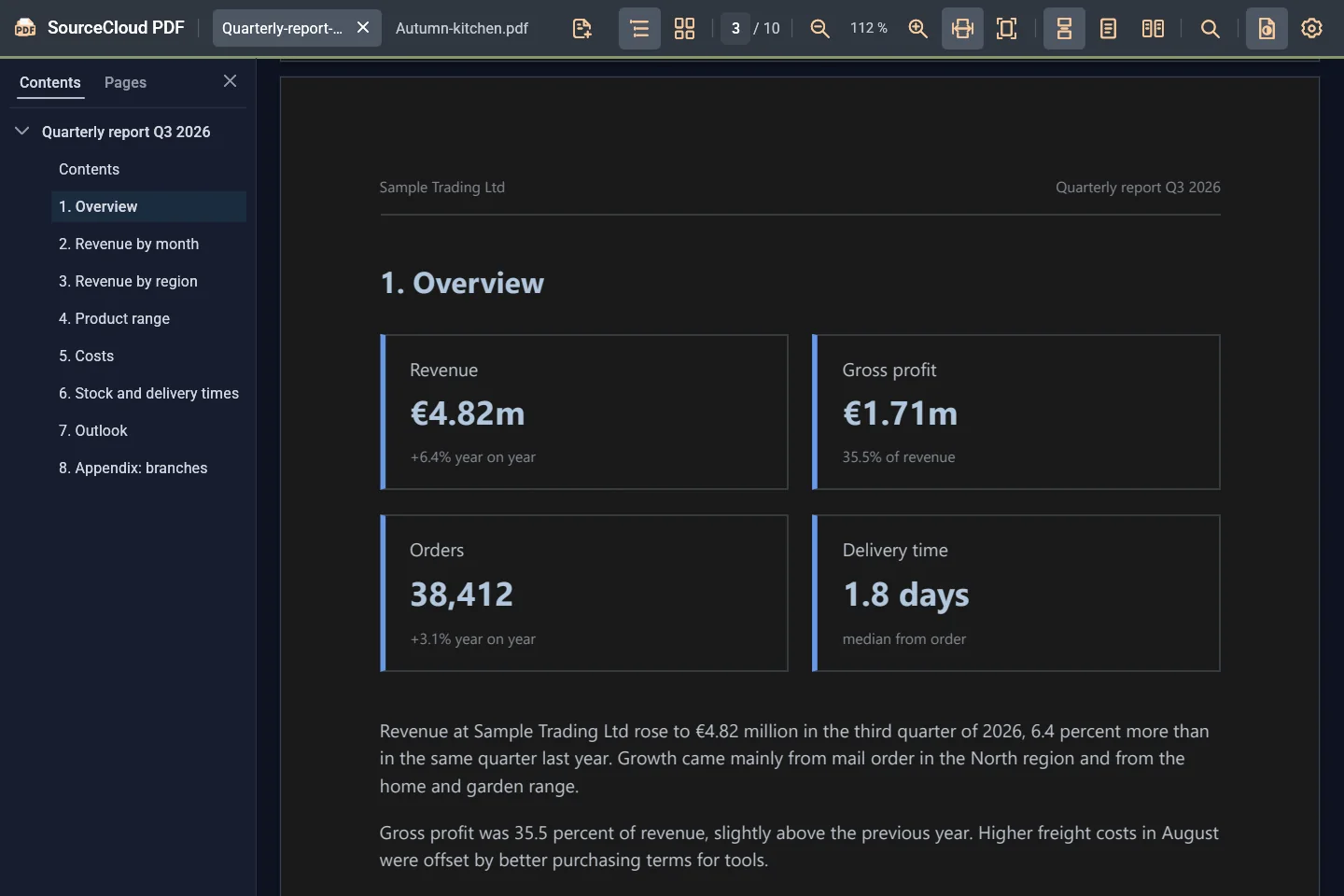
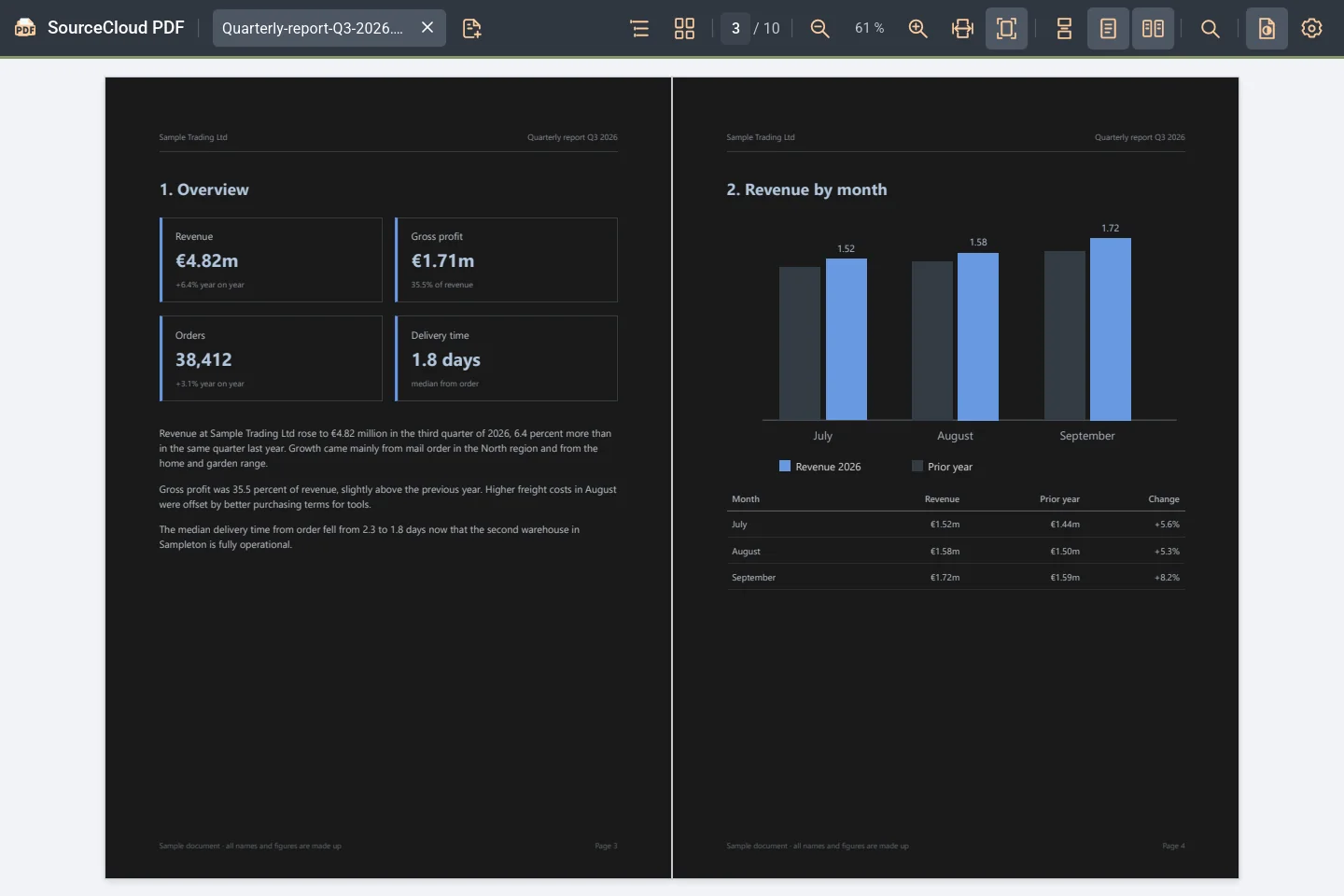
Learn more: Search long reportsThe interface follows Windows or stays light or dark. Independently, you show the pages in their original colors or dark.
Learn more: Light or dark, as you like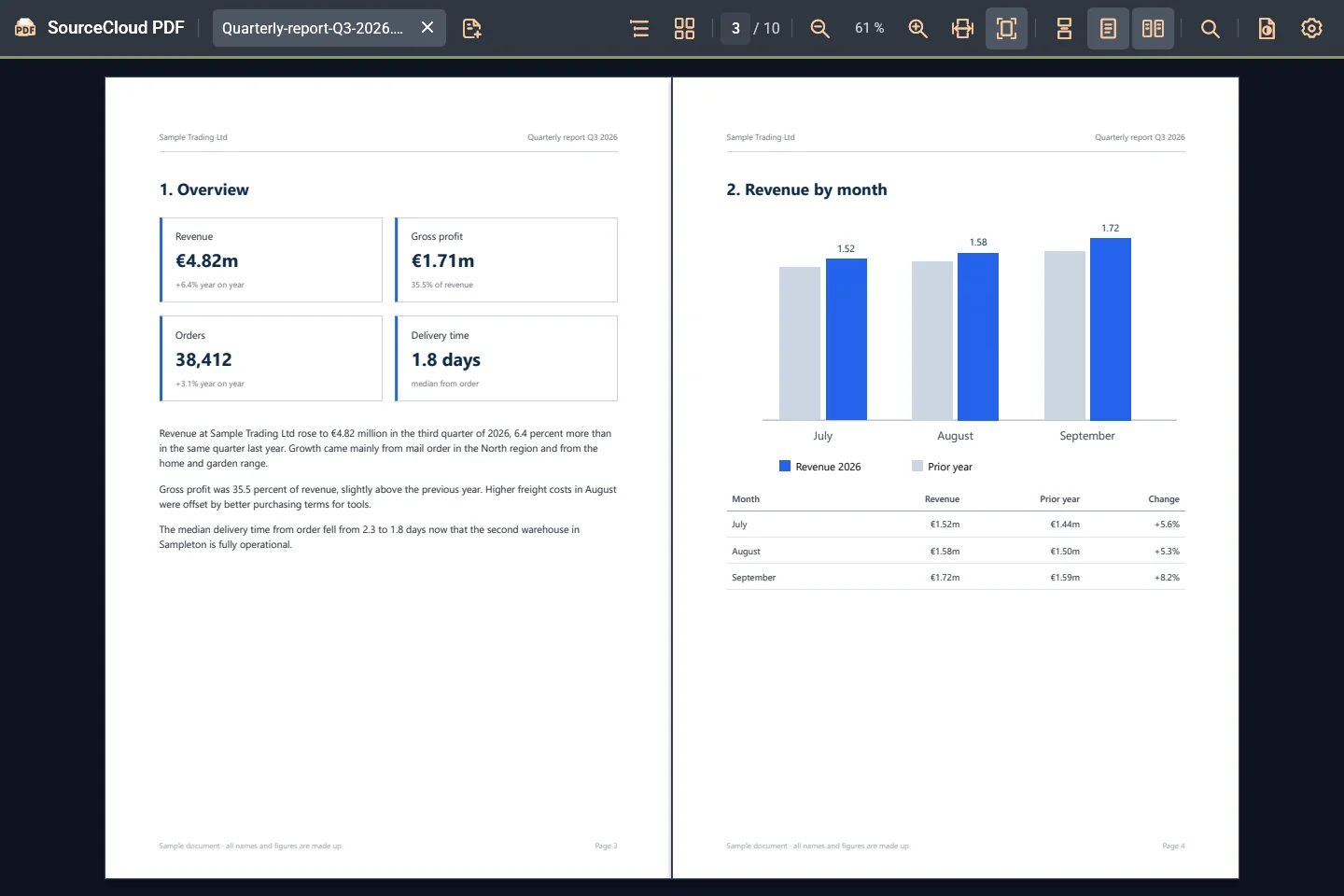
If you like, the sheet bends like paper as you turn it. Where you grab it with the mouse decides how it curls.
Learn more: Turn pages like a book

On our test computer the first page appears after about a quarter of a second. After that, SourceCloud PDF uses no processor time while you are just reading.
Measured from program start to the first visible page: median 242 ms across 20 starts with a ten-page test PDF on Windows 11, AMD Ryzen 9 7950X, NVIDIA GeForce RTX 4060 Ti. Results differ on other computers.
Learn more: First page in about 0.25 secondsWhile a document just sits open, SourceCloud PDF does not keep computing. Measured: 0 ms of processor time in ten idle seconds.
SourceCloud PDF shows your files on your computer. It needs neither an account nor an internet connection and sends no usage data.
SourceCloud PDF does not read the file itself but its own copy. The program that creates the PDF can rewrite it while it is open.
For example an export from your software or a report you are generating. SourceCloud PDF does not hold on to the file.
After a short pause, SourceCloud PDF reloads the file. You stay on the same page.
If the new version cannot be read yet, the last good view stays until the file is complete.
The essentials for reading long documents, with keyboard shortcuts for the most common steps.
Several PDFs in one window, opened by dragging, with Ctrl+O or at start.
Learn more: TabsSpreads like a book, continuous or page by page.
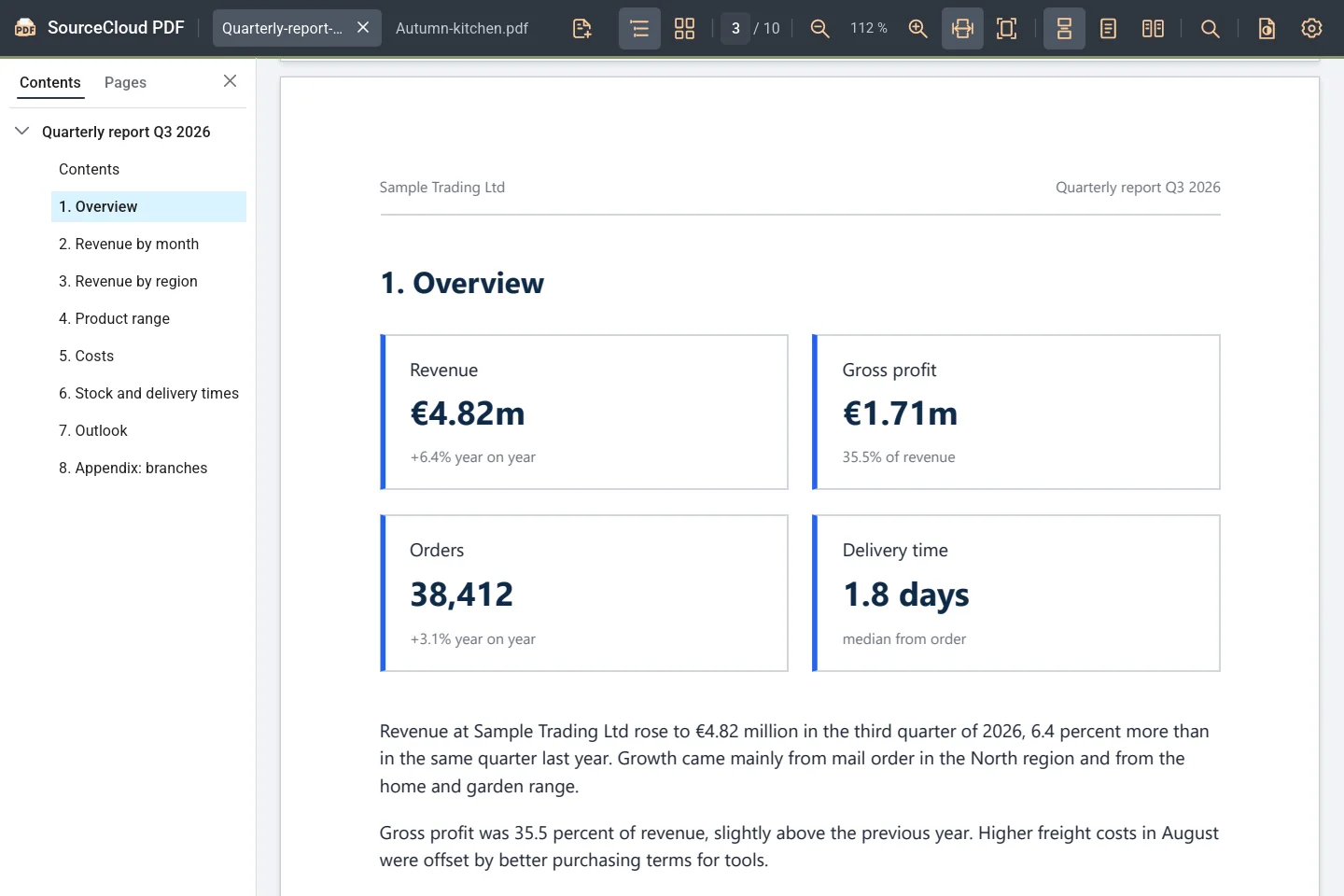
In the sidebar, with the current section highlighted.
Fit to width or to the whole page, zoom with Ctrl+mouse wheel.
Optional in setup for Total Commander (64-bit): the same view in the quick view, without taking focus from the file list.
Learn more: Quick view in Total CommanderOptional in setup: view PDFs in the Explorer preview pane.
Nothing. SourceCloud PDF is free, with no account and no subscription.
Free
Setup for Windows (64-bit), installs for your user account.
You choose the Total Commander integration and the Explorer preview during installation.
Yes. You download the setup and use SourceCloud PDF without an account, a subscription or ads.
No. SourceCloud PDF is a viewer for reading, searching and turning pages. Editing, filling in forms, commenting, printing and copying text are not part of it. SourceCloud PDF does not open password-protected PDFs.
Setup adds SourceCloud PDF to “Open with” for PDF files. Whether it becomes your default program is up to you in Windows.
SourceCloud PDF works with its own copy of the file and does not keep the original open. When the file changes, SourceCloud PDF reloads the new version on its own after a short pause.
Under “Settings”, choose “Same as system”, “Light” or “Dark” for the interface. Turn the pages dark with “Dark pages” in the toolbar. You can combine both freely.
Under “Settings” with “3D page turning”. SourceCloud PDF then switches to page-by-page scrolling; the mouse wheel and the Page keys turn pages with an animation, and you can grab the sheet with the mouse at the edge of the page.
English and German. By default, the interface follows the language of Windows; you can change it under “Settings”.
No. Your PDFs stay on your computer, and SourceCloud PDF sends no usage data. Only the link to this page in the “About SourceCloud PDF” dialog opens your browser.
For Windows, with no account and no subscription.
Download free for Windows SourceCloud PDF
